How it works
Three steps, about ten seconds. Free — just sign in with Google to download.
- UploadDrop in a photo of the obverse and one of the reverse — or both at once.
- Pick a styleCatalogue white (or any colour) or a dark studio look. Adjust brightness and contrast and see it change live.
- DownloadGet the side-by-side image plus each side on its own, ready for your listing.
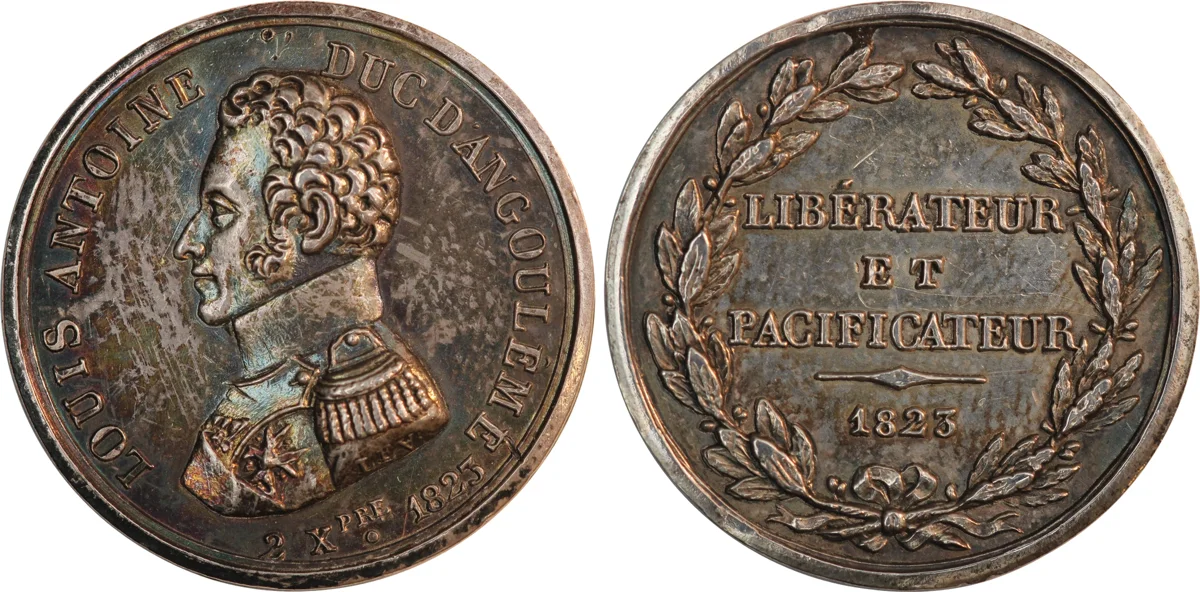
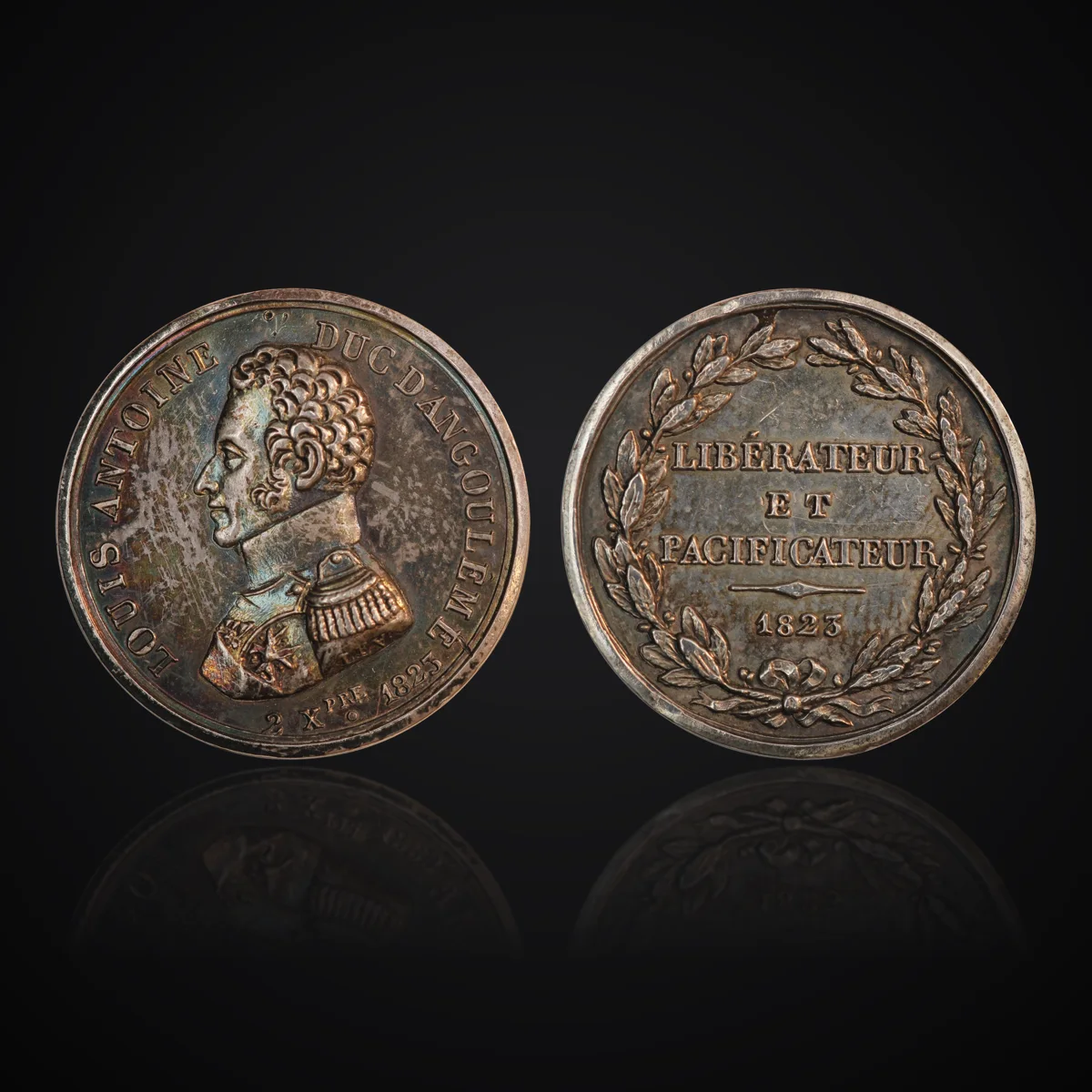
The result: the same two photos of a silver medal, in both styles.
BatchesOn the Collector and Dealer plans: drop a whole tray of photos in obverse,
reverse order. Each coin appears as soon as it's done, and you download them all in one ZIP.
Obverse + reverseDrop both photos at once — they're matched in size and laid out for you.
SpinsTurn the two sides into a turning-coin animation (WebP or GIF), with a realistic edge,
for listings and social posts.
Your choice of lookBackground colour, brightness and contrast — see every change instantly.